#90daysDevops Challenge
Day 6 Task
Day 6 Task: File Permissions and Access Control Lists
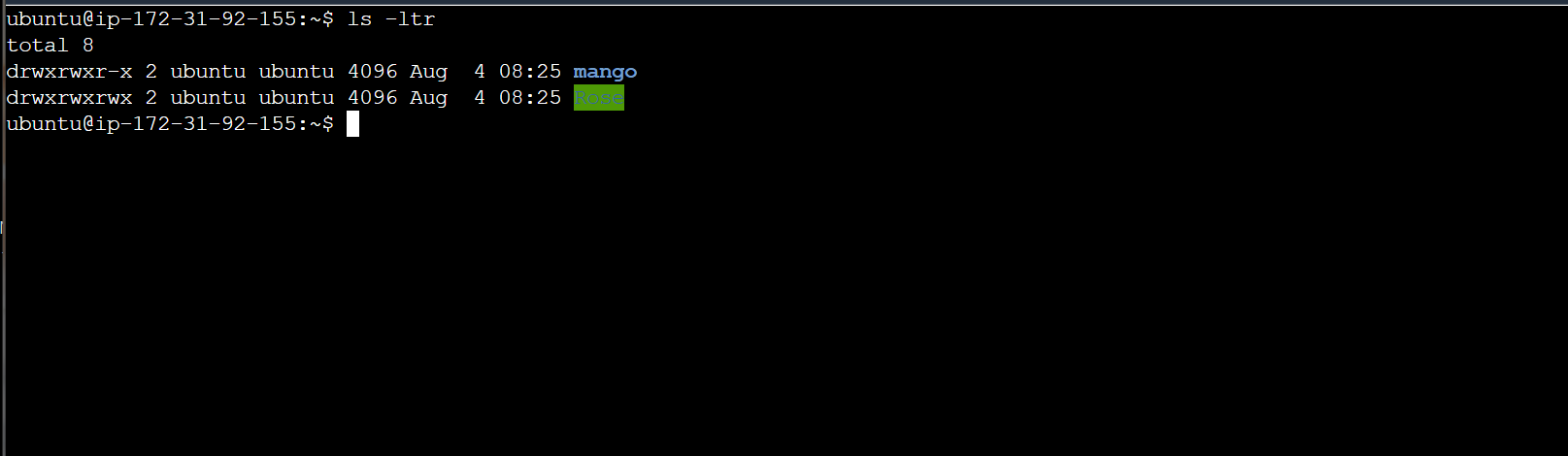
🔹Create a simple file and do ls -ltr to see the details of the files.
🔹Write an article about File Permissions based on your understanding from the notes.
🔹Read about ACL and try out the commands getfacl and setfacl
🔹Create a simple file and do ls -ltr to see the details of the files.
🔹Write an article about File Permissions based on your understanding from the notes.
💎Linux File Permissions system:
There are three types of file permissions:
Basic permissions
Special permissions
Access Control List (ACL)permissions
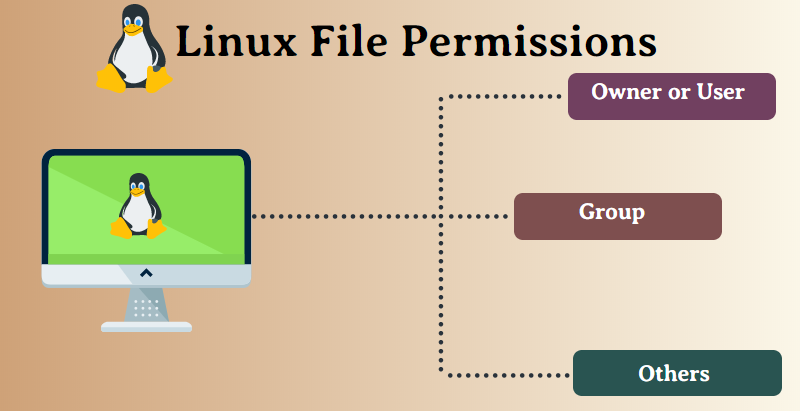
💎User & Group:
🔸User: the owner of the file (person who created the file).
🔸Group: the group can contain multiple users. Therefore, all users in that group will have the same permissions. It makes things easier than assigning permission for every user you want.
💎Permission Group:
🔸Owner (u): Permissions used for the owner of the file.
🔸Group (g): Permissions used by members of the group.
🔸Other (u): Permissions used by all other users.
Set Permission with a numeric value
r(read),w(write),x(execute)
#chmod 777 <filename.txt>
🔹About ACL and try out the commands getfacl and setfacl
🔸Access Control List Provides an additional, more flexible, permission mechanism for the site system.
🔸Access control List is a service that is used for providing special permission to specific users & groups to particular directories and files.
💎Use of ACL:
🔸 If the particular user is not a member of the group created by the admin but still admin wants to give the same Read or write access to that user without making a member of the group. In that case, we can use ACL.
#getfacl <filename>
▶ This command is used to check ACL permission.
#setfacl -m g::rwx bus.txt
▶ This command is used to set ACL permission to Group.


