🔥Day9#90daysDevops🚀 Challenge
Day 9 Task: Deep Dive in Git & GitHub for DevOps Engineers.
What is Git and why is it important?
What is the difference Between the Main Branch and the Master Branch??
Can you explain the difference between Git and GitHub?
How do you create a new repository on GitHub?
What is the difference between local & remote repositories? How to connect local to remote?
1. What is Git and why is it important?
🔸 Git is the Version Control System(VCS) also known as a Global Information Tracker which allows your file to have version history.
🔸 Git is primarily used for code management which acts like a version control system and allows you to collaborate.
There are two main types of source code management
Centralized Version Control System (CVCS): This is not locally available, we always need to connect to the network to perform any activity.
Distributed Version Control System (DVSC): This is locally available so that everyone maintains the local repository.
2 . What is the difference Between the Main Branch and the Master Branch?
🔸 "Master branch" is the default branch in Git and "Main branch" is the default branch in GitHub. Main and master branches play the same role in Git.
🔸 The main branch the one where all changes eventually get merged back into is called master.
3 . Can you explain the difference between Git and GitHub?
🔸 Git is a versional control system or centralized. Git is a version control system that allows developers to track changes in their code.
🔸 GitHub is a distributed version control system.GitHub is a web-based hosting service for Git repositories
4. How do you create a new repository on GitHub?
🔸 Please refer to my blog of Day8
Link: https://hashnode.com/draft/64d4af5619c597000f1db686
5. What is the difference between local & remote repositories? How to connect local to remote?
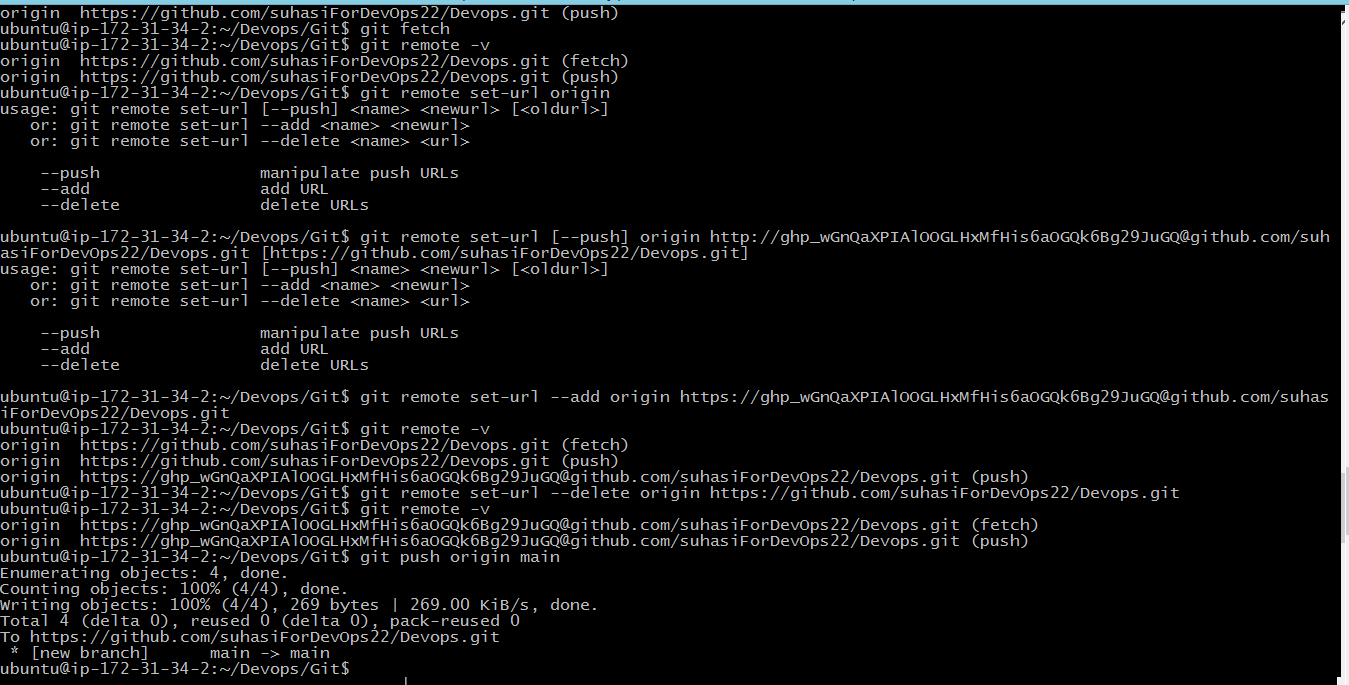
🔸 Local Repository: The local repository is a Git repository that is stored on your computer.
🔸 Remote Repository: The remote repository is a Git repository that is stored on some remote computer.
How to connect local to remote?
🔸 Please refer to my blog of Day8
Link: https://hashnode.com/draft/64d4af5619c597000f1db686
💎 Tasks
Task-1:
💎 Set your user name and email address, which will be associated with your commits.
# To set user name
git config --global user.name "userName"

# To set user email
git config --global user.email "userEmail@gmail.com"


Task-2:
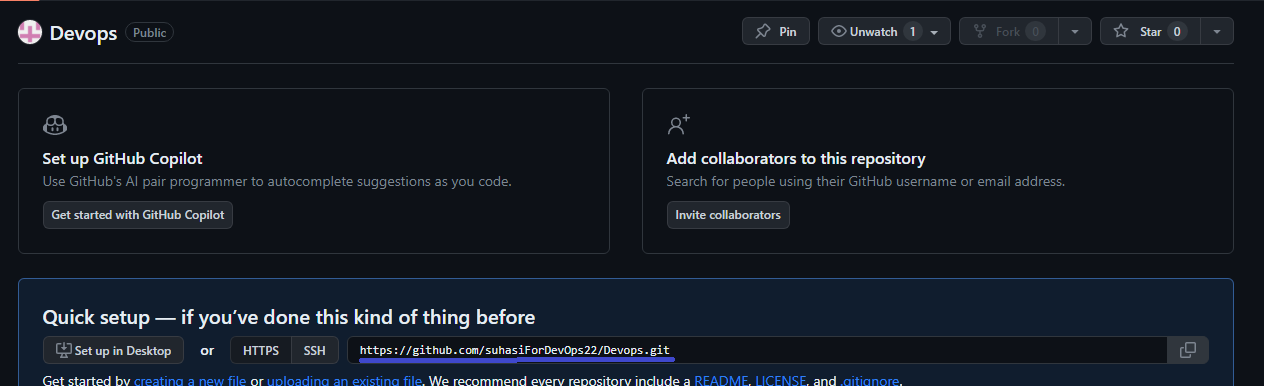
💎 Create a repository named "Devops" on GitHub
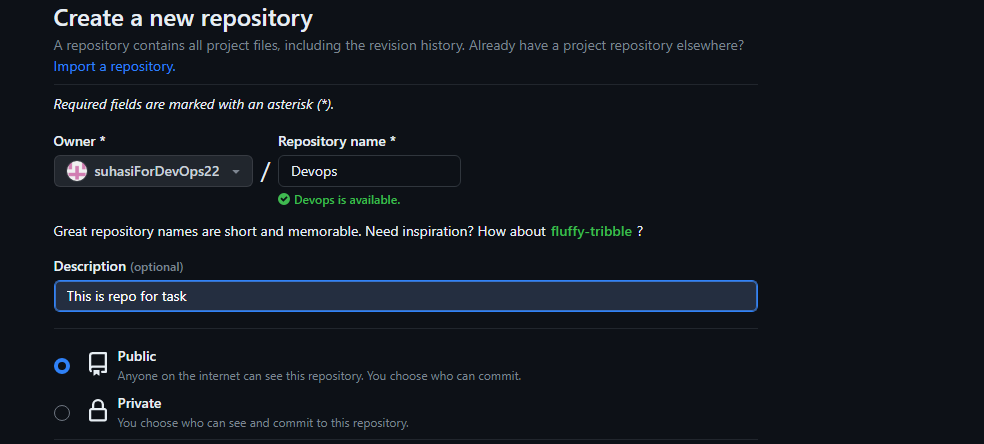
💎 Connect your local repository to the repository on GitHub.
git clone <url>

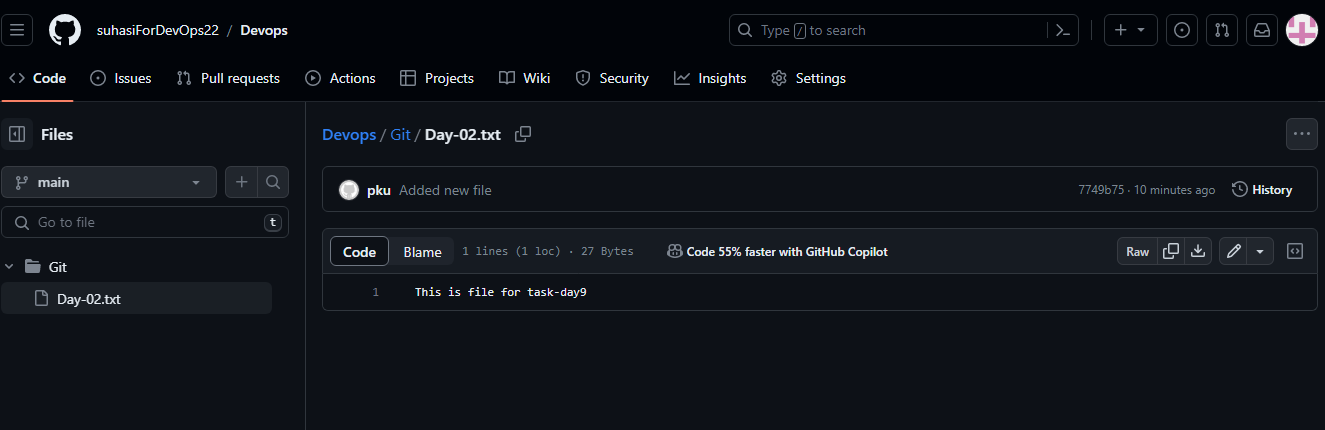
💎 Create a new file in Devops/Git/Day-02.txt & add some content to it
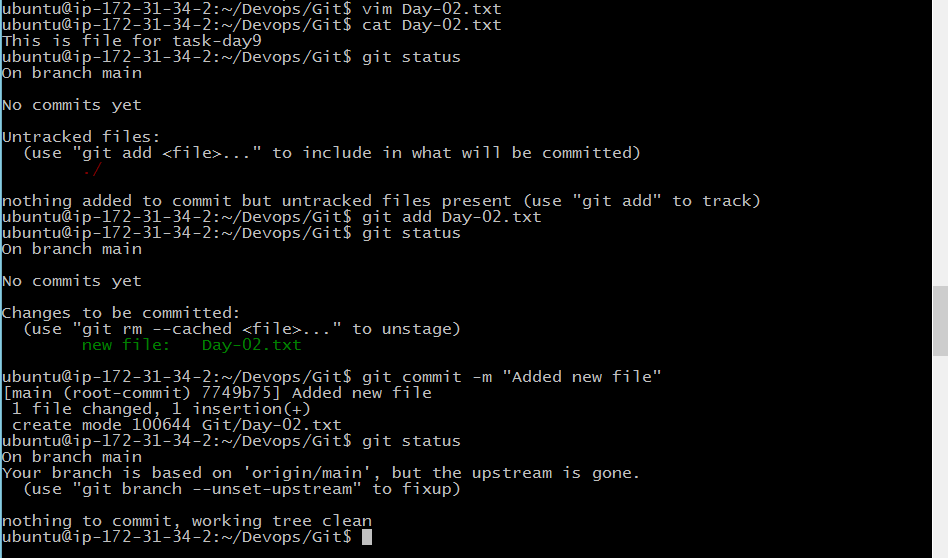
💎 Push your local commits to the repository on GitHub